> ## Documentation Index
> Fetch the complete documentation index at: https://docs.phantom.com/llms.txt
> Use this file to discover all available pages before exploring further.
# Testnet mode
> Access test networks in Phantom for development and testing
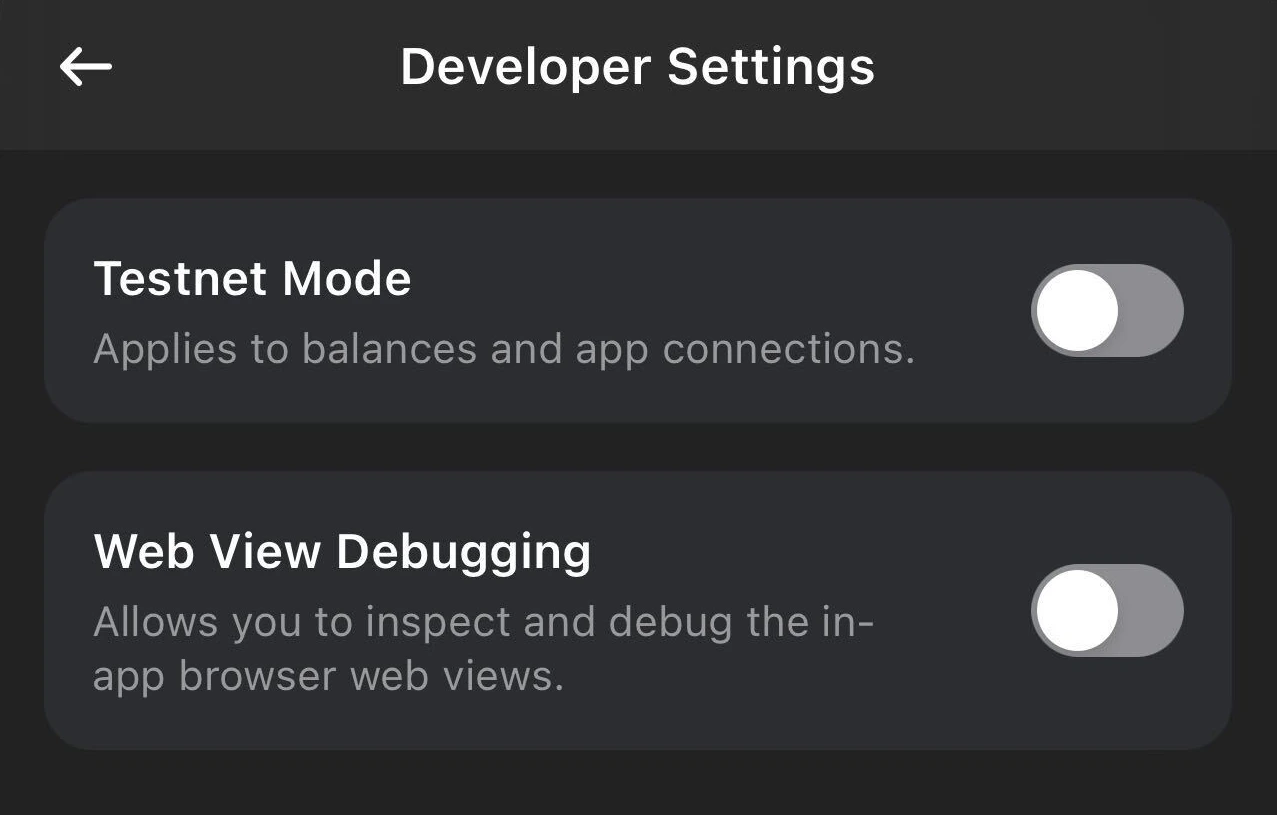
Testnet mode allows you to connect to blockchain test networks for development and testing purposes. When enabled, Phantom will display testnet balances and allow transactions on supported test networks.
## Enable testnet mode
To access test networks in Phantom, go to **Settings** → **Developer Settings** → **Testnet Mode**.
 ## Supported test networks
When testnet mode is enabled, you can connect to the following networks:
| Blockchain | Test networks |
| ---------- | --------------- |
| Solana | Devnet, Testnet |
| Ethereum | Sepolia, Goerli |
| Base | Base Sepolia |
| Polygon | Polygon Amoy |
## Get test tokens
To test transactions, you'll need testnet tokens:
* **Solana Devnet SOL**: Use the [Solana Faucet](https://faucet.solana.com/)
* **Sepolia ETH**: Use the [Sepolia Faucet](https://sepoliafaucet.com/)
* **Base Sepolia ETH**: Use the [Base Faucet](https://www.coinbase.com/faucets/base-ethereum-goerli-faucet)
## Testing with Phantom Connect
When using Phantom Connect SDKs, testnet mode works automatically. Users with testnet mode enabled in their Phantom wallet will see testnet balances and can sign testnet transactions.
For local development, you can also use `localhost` or `127.0.0.1` to test your integration before deploying to a production URL.
## Supported test networks
When testnet mode is enabled, you can connect to the following networks:
| Blockchain | Test networks |
| ---------- | --------------- |
| Solana | Devnet, Testnet |
| Ethereum | Sepolia, Goerli |
| Base | Base Sepolia |
| Polygon | Polygon Amoy |
## Get test tokens
To test transactions, you'll need testnet tokens:
* **Solana Devnet SOL**: Use the [Solana Faucet](https://faucet.solana.com/)
* **Sepolia ETH**: Use the [Sepolia Faucet](https://sepoliafaucet.com/)
* **Base Sepolia ETH**: Use the [Base Faucet](https://www.coinbase.com/faucets/base-ethereum-goerli-faucet)
## Testing with Phantom Connect
When using Phantom Connect SDKs, testnet mode works automatically. Users with testnet mode enabled in their Phantom wallet will see testnet balances and can sign testnet transactions.
For local development, you can also use `localhost` or `127.0.0.1` to test your integration before deploying to a production URL.