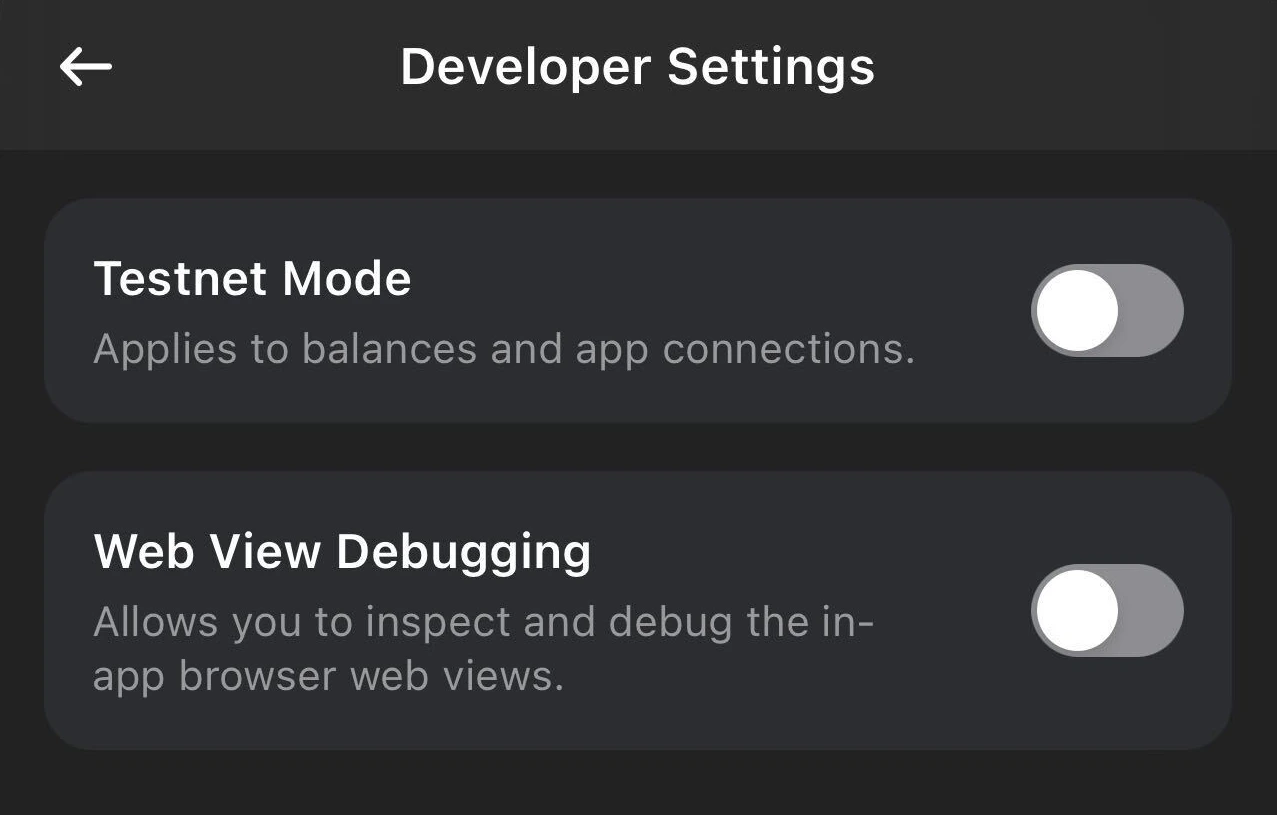
Access test networks in Phantom for development and testing
Testnet mode allows you to connect to blockchain test networks for development and testing purposes. When enabled, Phantom will display testnet balances and allow transactions on supported test networks.
When using Phantom Connect SDKs, testnet mode works automatically. Users with testnet mode enabled in their Phantom wallet will see testnet balances and can sign testnet transactions.
For local development, you can also use localhost or 127.0.0.1 to test your integration before deploying to a production URL.
Was this page helpful?
Assistant
Responses are generated using AI and may contain mistakes.